

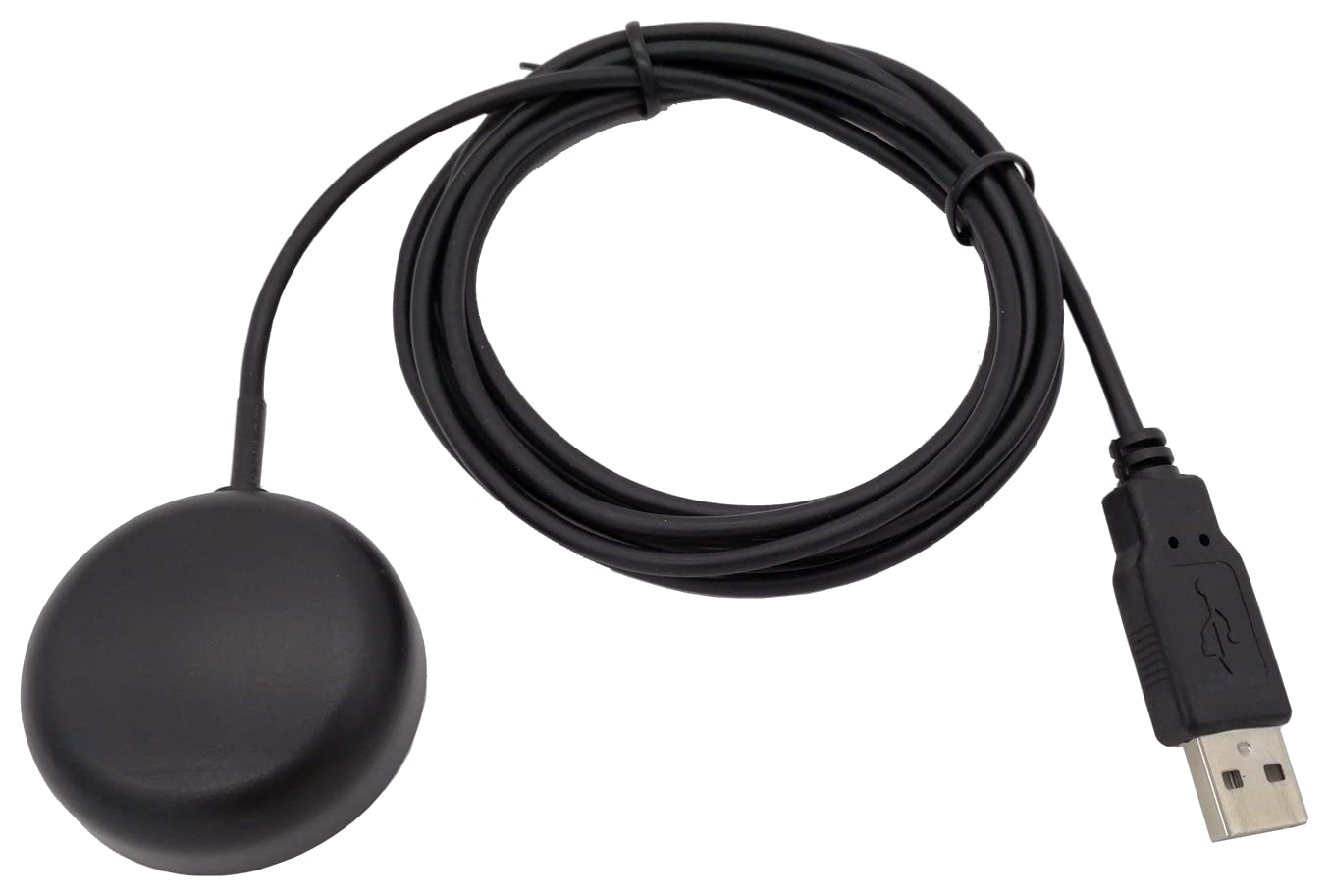
This guide covers connecting a USB GPS / GNSS receiver module (such as a u-blox 7/8/M8 or NMEA 0183 serial receiver) to a RemoteRF server or host over USB. Support is included in the built-in gps schema.
Overview
RemoteRF supports USB GPS / GNSS receivers through the built-in gps schema, connecting to a serial NMEA 0183 GNSS receiver (/dev/ttyACM* or /dev/ttyUSB*) to expose satellite lock status, UTC clock timestamps, 3D geodetic coordinates, and raw NMEA sentence batches.
device_type:gps- Transport: USB CDC-ACM (
/dev/ttyACM0) or USB-UART (/dev/ttyUSB0), typically9600or38400baud (8N1) - Required identifiers: Serial port path (
port) or auto-detection
1. Install Dependencies and Detect the Receiver
Install pyserial and Configure dialout Access
Install pyserial and ensure the service user belongs to the dialout group:
pip install pyserial
sudo usermod -aG dialout $USER
Note: Avoid running
gpsdwith automatic USB hotplug claiming (USBAUTO="true"in/etc/default/gpsd) on the same port if the RemoteRFgpsschema opens the serial device directly, or disablegpsd.socketso the serial port is not locked by another daemon.
Verify Serial NMEA Output
Plug in the USB GPS receiver and inspect /dev/serial/by-id/:
ls -l /dev/serial/by-id/Example output for a u-blox USB GNSS receiver:
usb-u-blox_AG_-_www.u-blox.com_u-blox_7_-_GPS_GNSS_Receiver-if00 -> ../../ttyACM0You can confirm ASCII NMEA sentences are streaming by reading a few lines from the device:
head -n 5 /dev/ttyACM02. Configure devices.yml
The gps schema is included out of the box. Add the GPS receiver entry to ~/.config/remoterf/devices.yml on the server (or ~/.config/remoterf/host/devices.yml on a host), or run serverrf devices add gps for the interactive wizard:
devices:
  - device_id: 24
    device_type: gps
    name: GPS_Receiver
    init:
      port: "/dev/serial/by-id/usb-u-blox_AG_-_www.u-blox.com_u-blox_7_-_GPS_GNSS_Receiver-if00"
      baud: 9600
If a u-blox receiver (1546:*, such as u-blox 7/8/M9/M10) or a USB serial device whose descriptor contains GPS or GNSS is attached, port can be omitted (init: {}) for automatic detection. Receivers behind a generic USB-serial bridge (such as FTDI, CP210x, or CH340) require an explicit port:.
3. Verification
- Start or restart the RemoteRF service (
serverrf -sorhostrf -s). - Confirm that
GPS_ReceiverreportsONLINE. - Reserve the device and verify NMEA reading and position queries from Python:
from remoterf.drivers import ensure_driver

TOKEN = "GPS_Receiver@ucla"
ensure_driver(token=TOKEN)

from remoterf.drivers.gps import GpsModule

gps = GpsModule(token=TOKEN)
print("Connected:", gps.connected, "Port:", gps.port)
print("Position:", gps.get_position())
print("Raw NMEA:", gps.read_raw(count=3))
gps.close()
Next Steps
- See the GPS Receiver Client Guide for complete Python examples.
- Return to Device Setup Overview.