
Device Setup
This page provides guidance on how to connect SDRs to a server that has already undergone initial bring-up and is accessible over the network.
This page focuses only on devices attached to the RemoteRF server over a direct, wired connection. Host-attached devices follow the same schema model, but files would live on the host, not the server, for those particular devices.
Overview
In an effort to make RemoteRF as flexible as possible in the SDRs it supports and the way it can be used, device support is schema-driven. What this means is that, instead of hard-coding device support on every client machine, the server exposes a device interface from Python and then turns that interface into a machine-readable schema description. Then, when using a particular device, a client will generate or refresh their local definition of that device. This all happens behind-the-scenes without the user knowing or having to worry about updating anything on their end, even when the device definitions change server-side.
Conceptual Flow
At a high level, RemoteRF behaves like a dynamic remote RPC pipeline.
- The admin declares which physical devices exist on a manifest.
- The admin provides a Python schema for each device type.
- The server opens each device by calling the schema's factory method.
- The schema tells RemoteRF which getters, setters, and calls are safe to expose remotely.
- Each client asks the server for that interface description and generates a matching local remote driver automatically.
Why We Built It This Way
The goal of this approach is to make it easy to add new devices and easy to maintain devices.
- Adding a new hardware type usually means writing a schema file, not patching the server core.
- One schema can describe many physical devices of the same type through different
devices.ymlentries. - Clients can refresh their generated wrapper when the server schema changes, so admins do not need to push manual client updates.
Note: Clients are not literally downloading the server's raw Python schema file. They fetch the server-generated schema description and then generate their own local remote wrapper from that description. In practice, that still gives you the operational benefit of dynamic client-side updates.
The Two Parts
For typical device setup, there are really two things for an administrator to manage:
- the file
devices.yml, which lists each of the physical devices connected to the server - the
drivers/directory, which contains many<device>_schema.pyfiles, with exactly one schema file per supported device type
Example: If there were five ADALM-PLUTO SDRs connected to the server, then there would be five devices listed in devices.yml but only one schema file in the drivers/ directory, since they are the same type of device.
File Tree
The inventory file says what devices exist. The drivers/ directory is where many schema files live, with one <device>_schema.py for each supported device type.
-
~/.config/remoterf/directory-
devices.ymlCLI or manual -
drivers/directory-
<device>_schema.pyedit by hand
-
-
Host Variation:
On RemoteRF hosts, the host-local device inventory lives at ~/.config/remoterf/host/devices.yml. Schema files do not move into that host/ folder; hostrf still loads <device>_schema.py files from the top-level ~/.config/remoterf/drivers/ directory. In practice, list host-attached SDRs in host/devices.yml, but keep custom schema files in drivers/.
Example
Below is an example devices.yml file, followed by a short explanation of what each field means.
devices:
  - device_id: 1
    device_type: adalm_pluto
    name: Pluto Bench A
    init:
      serial: "104473f6"

  - device_id: 2
    device_type: hackrf
    name: HackRF OTA
    init:
      serial: "0000000000000000719031ac235bb14a"
Where this file lives:
Every machine that owns devices keeps its own devices.yml. The RemoteRF server lists the devices directly attached to the server. Likewise, each RemoteRF host lists only the devices directly attached to that host.
device_id- Required. This must be globally unique across the full RemoteRF network, including the main server and every attached host. Do not reuse the same ID for two different devices.
device_type- Required. This is the unique string that identifies the device schema type, such as
adalm_plutoorhackrf. It must match the schema's registered device type string. Use the device-specific guide for the exact value your schema expects. name- Required. This is the human-readable label shown to admins and users. It can be any reasonable string and does not need to be unique.
init- Required. This is the per-device configuration mapping, and its keys will likely be different for different device types. One device might only need
serial, while another might usedevice_index,address,channel, or something else entirely. Check out the Custom Device guide for how the mapping works, and use the device-specific guide for the exact values your schema expects.
Choose a Device Guide
Pick the guide that matches the hardware you want to support. Each guide helps you get or create the right <device>_schema.py, configure devices.yml, and make sure the schema file and device entry are set up correctly so the device works properly.
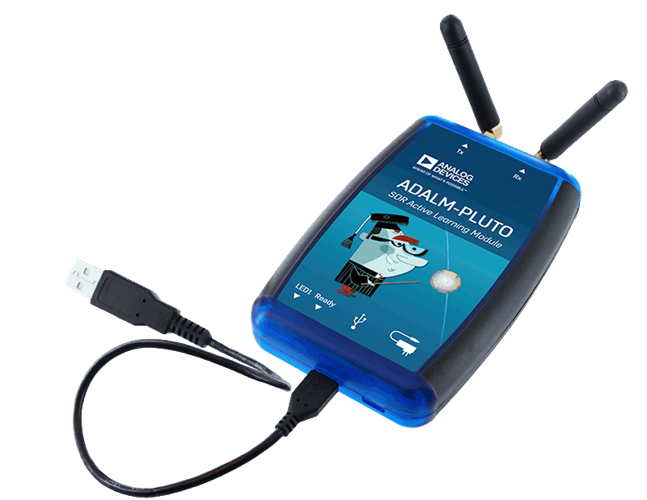
Follow this guide when you want to connect the ADALM-PLUTO, which is natively supported in RemoteRF.
Prepare AD9361 2R2T operation, enable both channel indexes, and register the separate built-in MIMO device type.
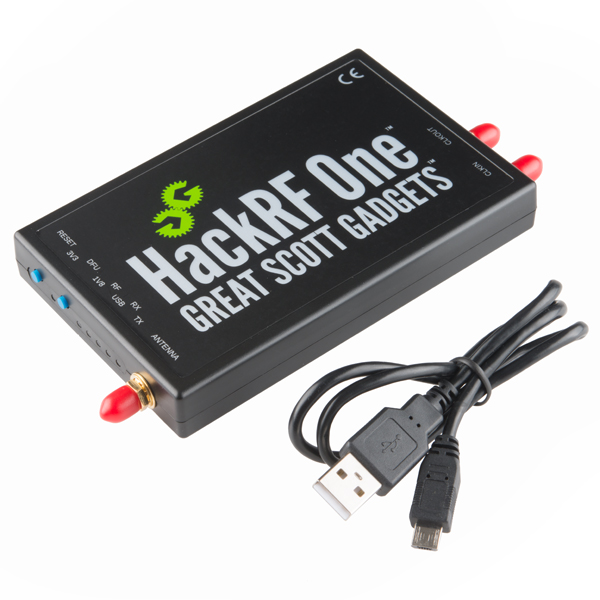
Install the native libhackrf runtime; the base RemoteRF package already includes pyhackrf2. Select a radio by serial and use the generated HackRF client.
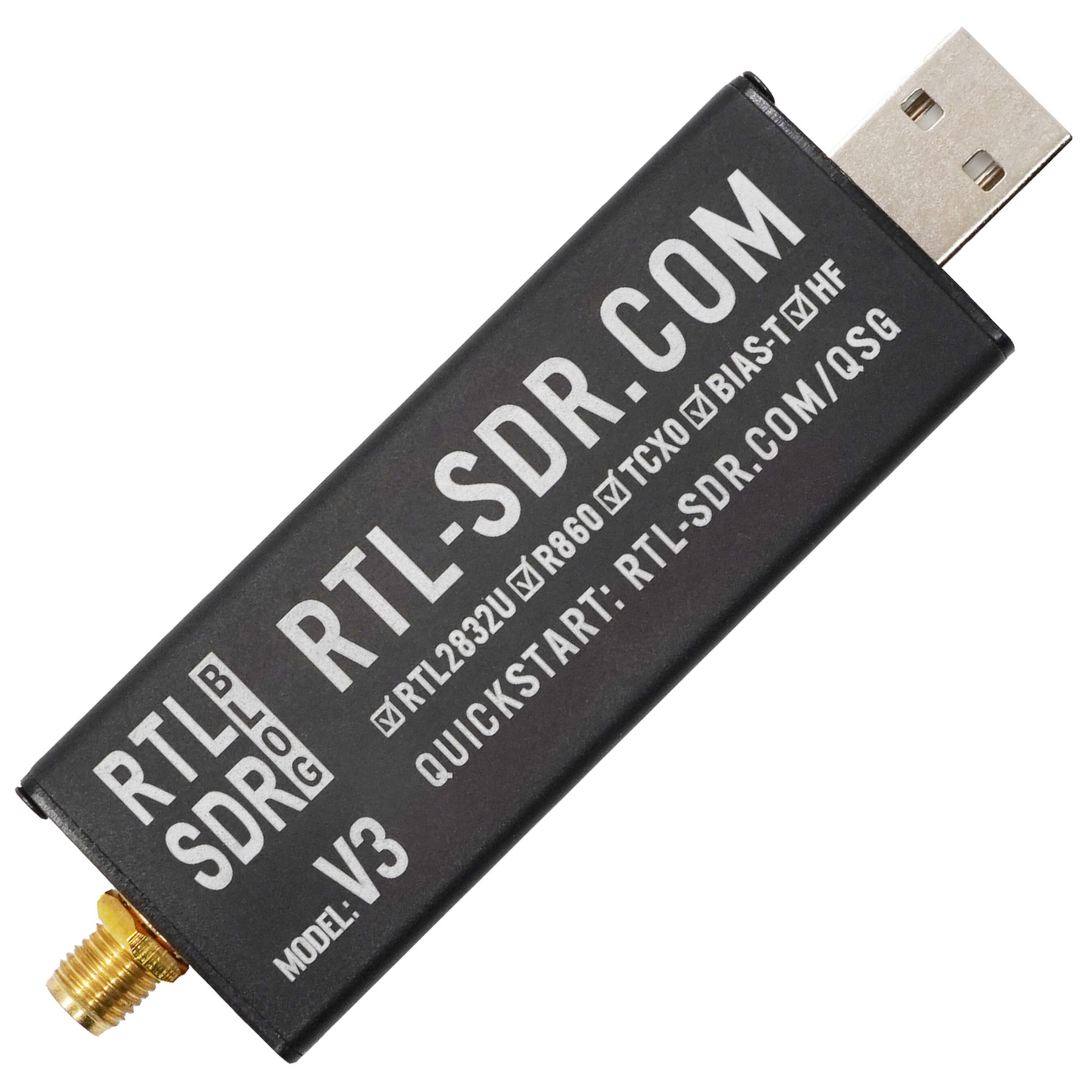
The base RemoteRF package includes the RTL-SDR Python runtime and packaged library. Select a dongle by USB serial and capture IQ through the generated RtlSdr client.
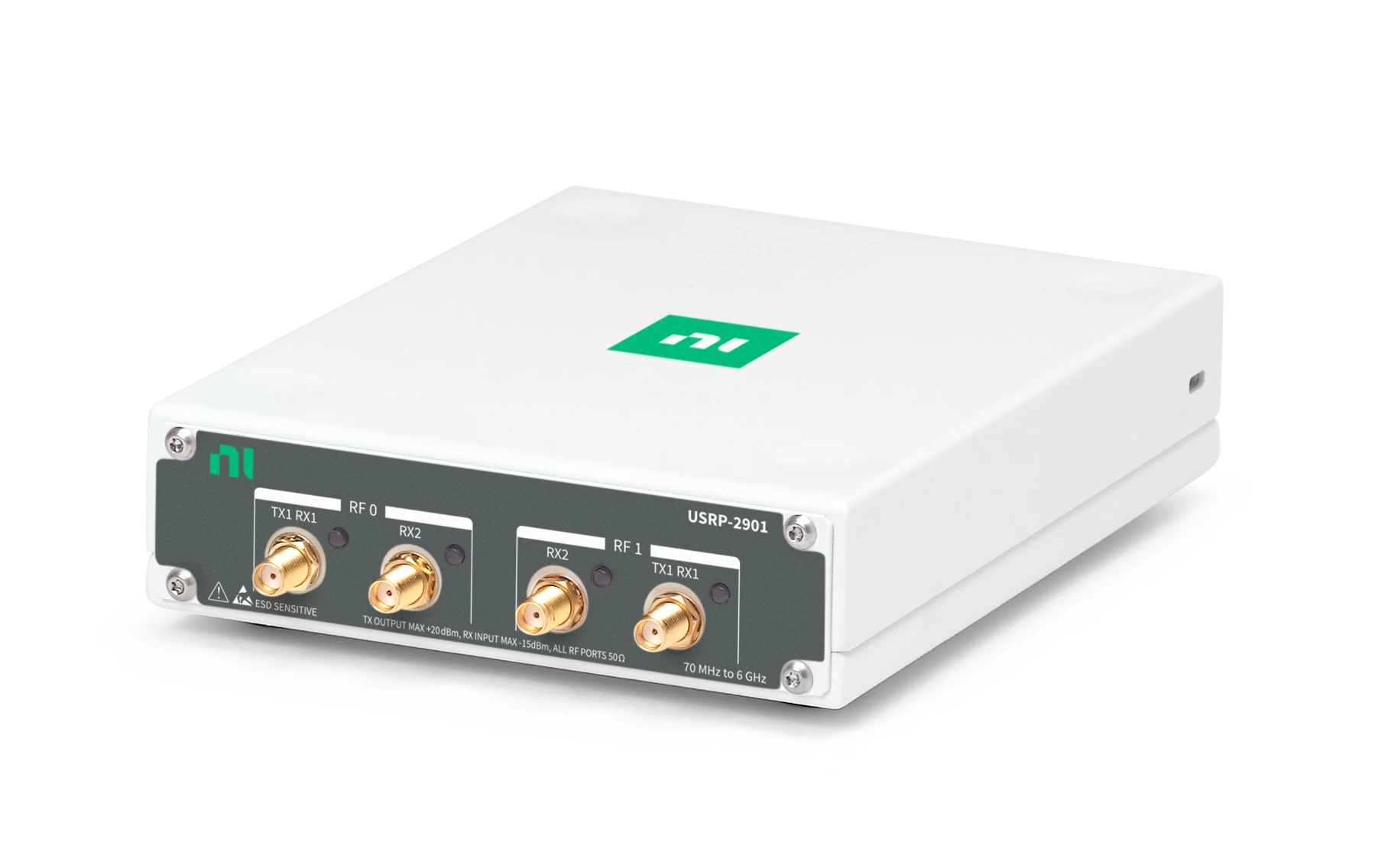
Follow this guide to install UHD, identify the USB serial, and register a USRP 2901.
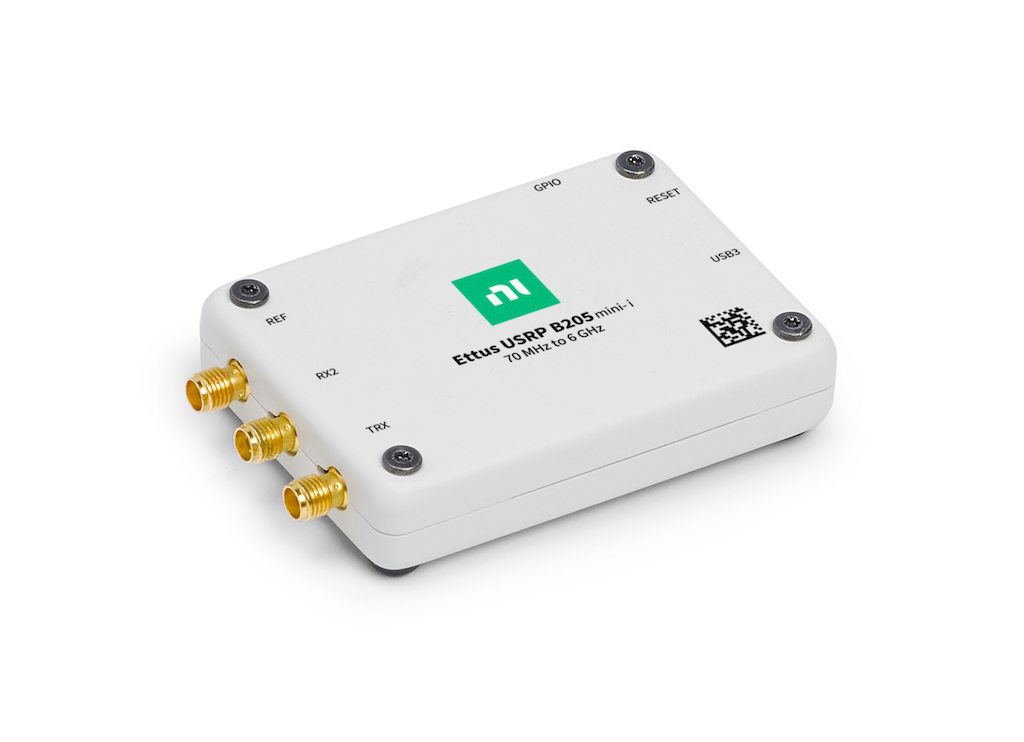
Follow this guide to install UHD, identify the USB serial, and register a single-channel B205-mini.
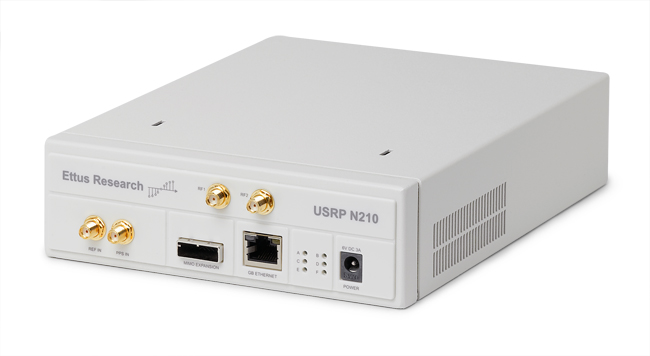
Follow this guide to configure the dedicated Ethernet link, verify UHD discovery, and register an address-bound N210.
Follow this guide when you want to connect a device to RemoteRF that is not natively supported.
After you pick a guide:
Once the schema file and devices.yml entry are in place, restart the server so it reloads the drivers and reconnects the device inventory. If you need a file tree reference while editing, see Advanced Configuration.