
Features
Remote Experimentation
With RemoteRF, a testbed of SDRs can be remotely accessed over the internet, allowing users to conduct experiments at any time from virtually anywhere.
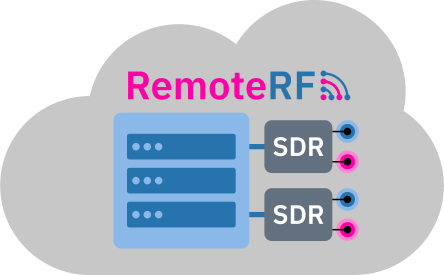
Over the Internet
With RemoteRF, users share access to SDRs over the internet to conduct wireless experiments remotely.

Anytime, Anywhere
RemoteRF and its SDRs can be accessed at any time from virtually anywhere with an internet connection.

Work Locally
Users write and run Python code on their personal machines, with any functions involving SDRs routed to RemoteRF.
Large-Scale Testbeds
Creating and managing testbeds of distributed SDRs that span rooms, buildings, or even entire campuses is easy with RemoteRF.
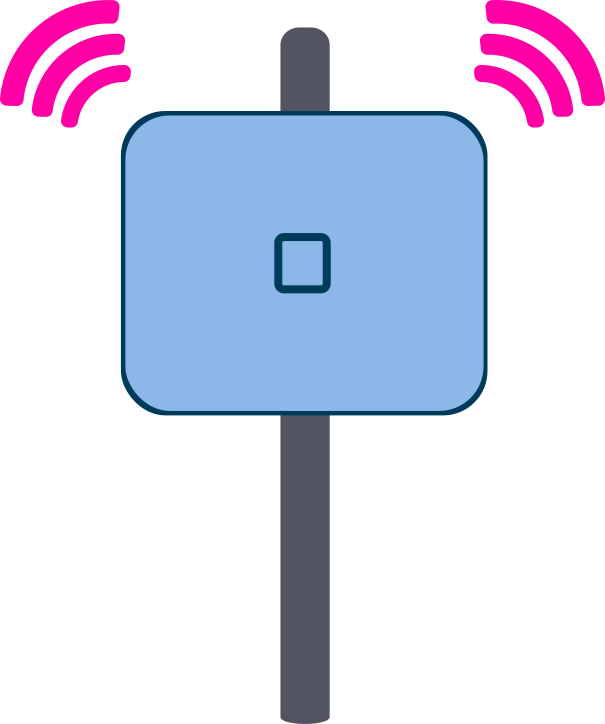
Distributed SDRs
SDRs can be placed across buildings or entire campuses to create large-scale testbeds controlled by a single RemoteRF server.
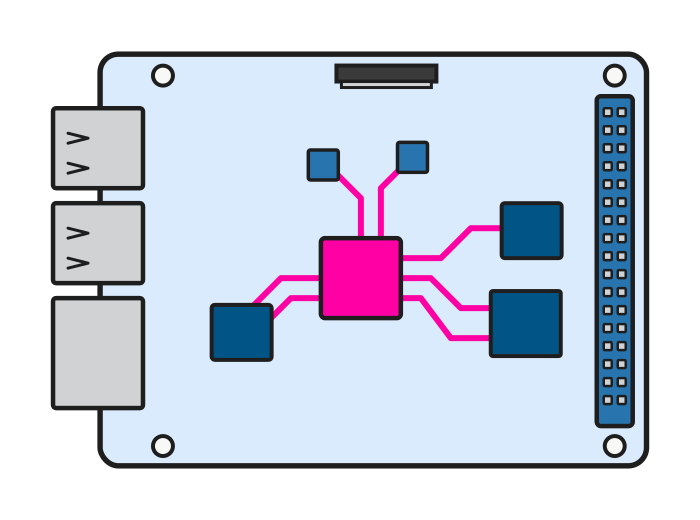
Lightweight Hosts
Lightweight computers, such as the Raspberry Pi, can be used to connect distributed SDRs to a RemoteRF server over Wi-Fi, LAN, or VPN.
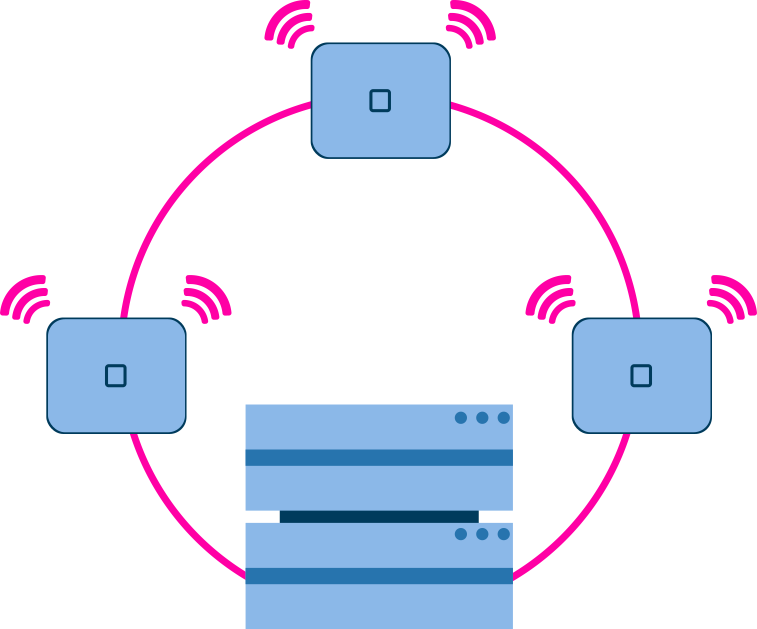
Centralized Control
An entire testbed of distributed SDRs can be accessed and managed from a single RemoteRF server.
Automated Reservation Manager
At any hour of the day, users can make reservations to get exclusive access to SDRs during desired time slots.
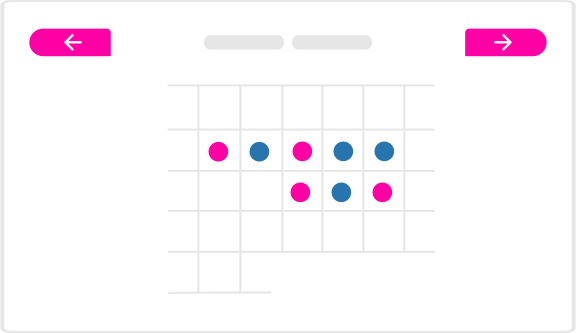
Flexible Scheduling
Users can plan ahead by scheduling reservations in advance or can indulge in their curiosity with last-minute reservations.

Fair Access
Limiting the number of concurrent reservations per user can maintain fair, balanced access to RemoteRF's SDRs.
Token-Based Access
Randomly generated tokens are used to authorize exclusive access to SDRs during a user's reservation period.
User Groups and Enrollment Codes
User groups and enrollment codes can be used to provide certain users with unique permissions and privileges to RemoteRF.
Secure Enrollment
Enrollment codes can be used to provide only certain users with access to the RemoteRF platform and its SDRs.

Group Permissions
Groups of users can be provided with unique access to certain SDRs or other privileges and permissions.

Access Expiration
User access to RemoteRF can be set to expire after a certain date, such as the end of an academic term or research collaboration.
Custom Device Support
RemoteRF natively supports several of the most popular SDRs, but virtually any unsupported SDR can be onboarded by writing a simple device wrapper that details its functionality.
Python Wrappers
An SDR not natively supported by RemoteRF can be onboarded in minutes by writing a simple Python wrapper.
No Updates Needed
When onboarding new devices, there is no need for software updates to the RemoteRF package—things just work.

Community Sharing
Custom device support can be enjoyed by the entire RemoteRF community by simply sharing Python wrapper files.
Software Safeguards and Lockouts
Software safeguards and lockouts can be used to impose desired limits on certain SDR parameters to protect hardware, manage interference, or to ensure that users comply with relevant regulations.
Parameter Limits
Administrators can limit the transmit power, frequency, bandwidth, and other parameters of the SDRs connected to RemoteRF.

Regulatory Compliance
Constraining the transmit power and carrier frequency can ensure that users do not violate relevant regulations.
Hardware Filters
To further control their use, an administrator can install filters and attenuators on each SDR, as desired.