
Supported SDRs
RemoteRF supports a wide range of software-defined radios, from low-cost educational dongles to multi-channel research platforms. Client code connects through standard Python drivers while the server handles hardware scheduling, isolation, and access control.
Hardware Overview & Comparison
The table below summarizes the key RF specifications, channel capabilities, and RemoteRF drivers for all officially supported software-defined radios.
| Device Model | RF Architecture | Frequency Range | Max Sampling Rate | ADC / DAC | RemoteRF Driver |
|---|---|---|---|---|---|
| ADALM-PLUTO | 1 TX/RX full-duplex transceiver | 325 MHz – 3.8 GHz | Up to 61.44 MSPS | 12-bit / 14-bit | remoterf.drivers.adalm_pluto |
| ADALM-PLUTO MIMO / Pluto+ | 2 TX/RX MIMO full-duplex transceiver | 70 MHz – 6.0 GHz | Up to 61.44 MSPS | 12-bit / 14-bit | remoterf.drivers.adalm_pluto_mimo |
| HackRF One | 1 TX/RX half-duplex transceiver | 1 MHz – 6.0 GHz | Up to 20 MSPS | 8-bit / 8-bit | remoterf.drivers.hackrf |
| RTL-SDR | 1 RX receive-only | ~24 MHz – 1.7 GHz | Up to 3.2 MSPS | 8-bit ADC | remoterf.drivers.rtl_sdr |
| USRP 2901 | 2 TX/RX MIMO full-duplex transceiver | 70 MHz – 6.0 GHz | Up to 56 MSPS | 12-bit / 12-bit | remoterf.drivers.usrp (UHD) |
| USRP B205-mini | 1 TX/RX full-duplex transceiver | 70 MHz – 6.0 GHz | Up to 56 MSPS | 12-bit / 12-bit | remoterf.drivers.usrp (UHD) |
| USRP N210 | Modular transceiver (e.g. SBX, UBX, WBX) | DC – 6.0 GHz (daughterboard-dependent) | Up to 25 MSPS | 14-bit / 16-bit | remoterf.drivers.usrp (UHD) |
Device Guides & Tutorials
Each supported SDR includes dedicated documentation for both end-users (client-side Python scripting) and server administrators (hardware detection, USB/network configuration, and devices.yml entries).
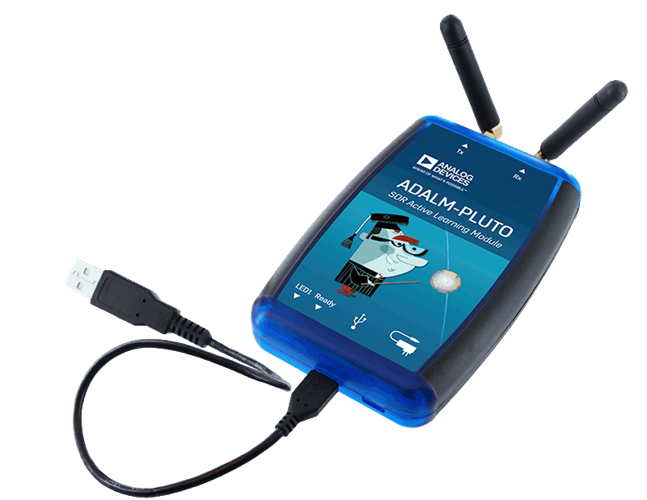
1 TX/RX full-duplex transceiver, 325 MHz – 3.8 GHz frequency range, up to 61.44 MSPS sampling rate, 12-bit ADC / 14-bit DAC.
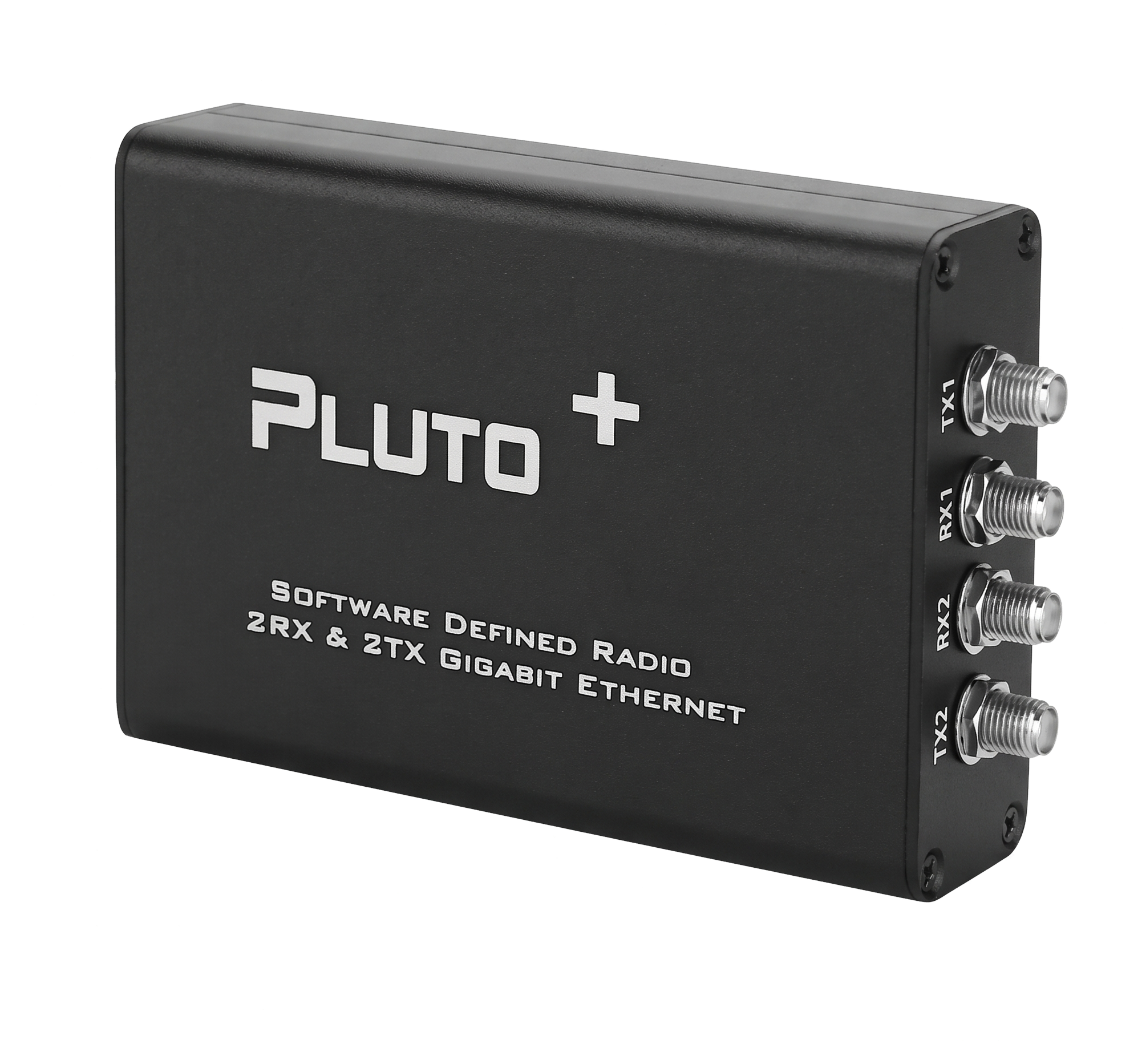
2 TX/RX MIMO full-duplex transceiver, 70 MHz – 6.0 GHz frequency range, up to 61.44 MSPS sampling rate, 12-bit ADC / 14-bit DAC.
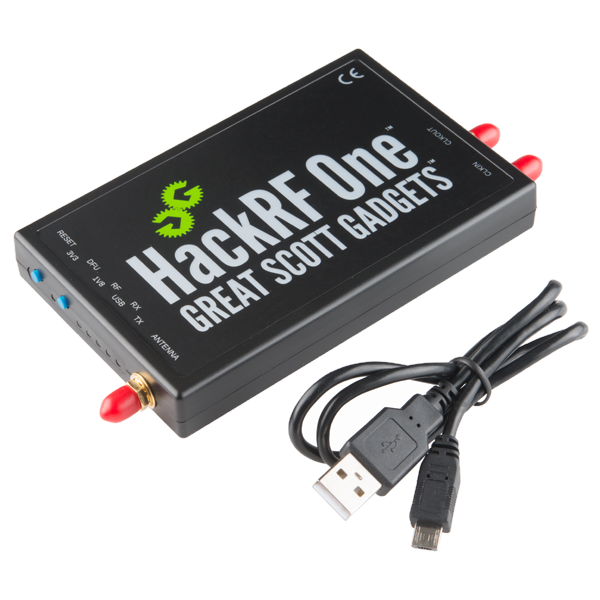
1 TX/RX half-duplex transceiver, 1 MHz – 6.0 GHz frequency range, up to 20 MSPS sampling rate, 8-bit ADC / 8-bit DAC.
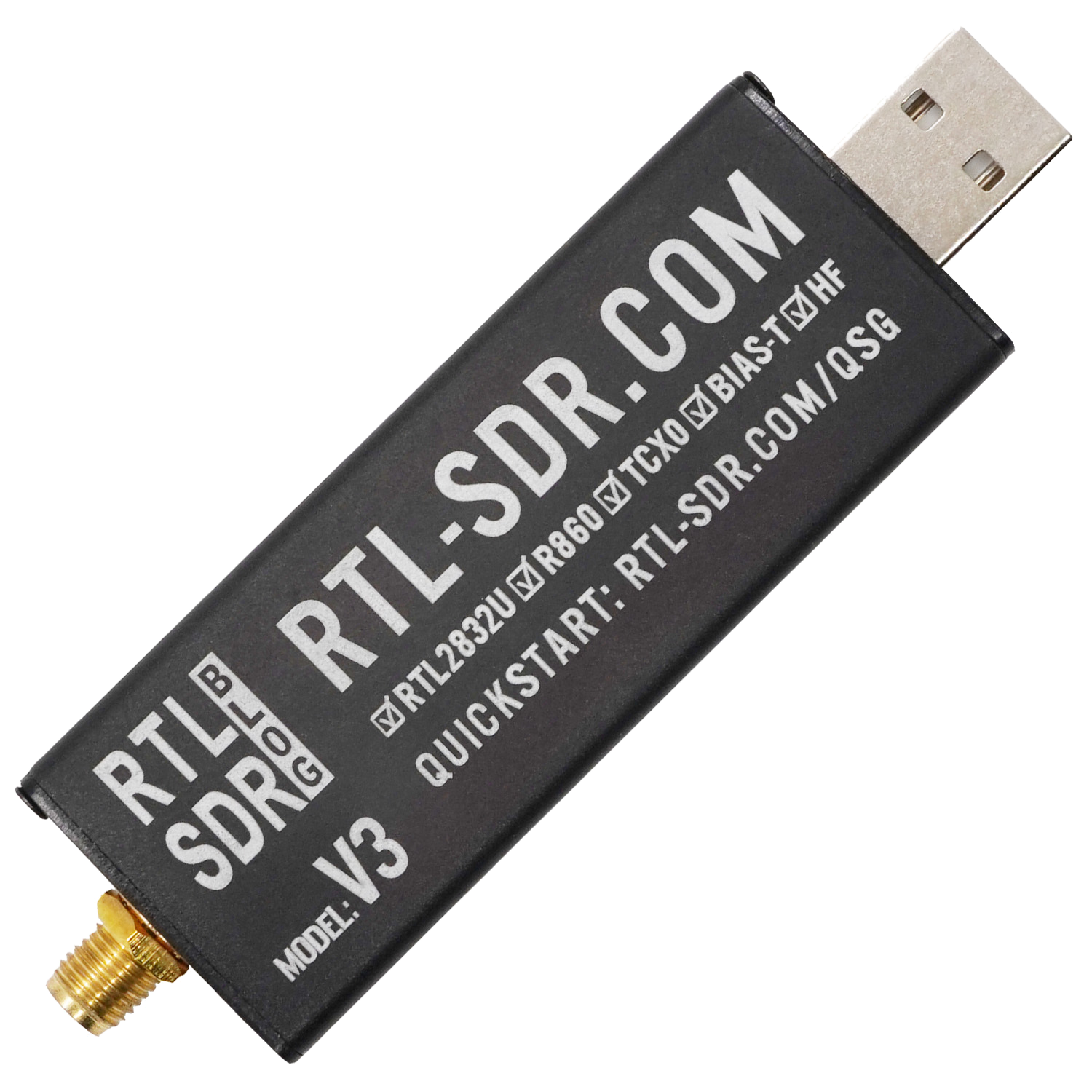
1 RX receive-only, ~24 MHz – 1.7 GHz frequency range, up to 3.2 MSPS sampling rate, 8-bit ADC.
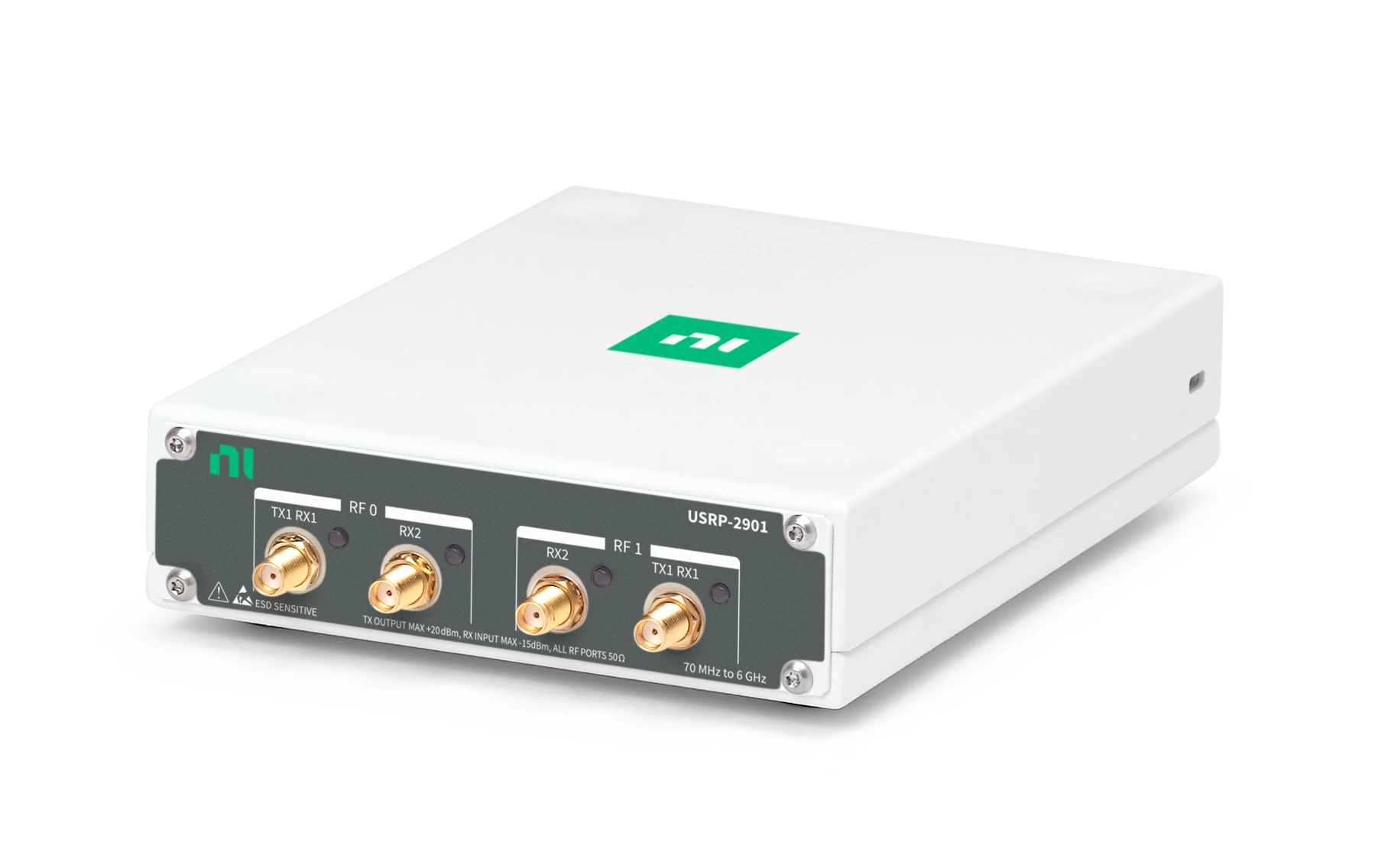
2 TX/RX MIMO full-duplex transceiver, 70 MHz – 6.0 GHz frequency range, up to 56 MSPS sampling rate, 12-bit ADC / 12-bit DAC.
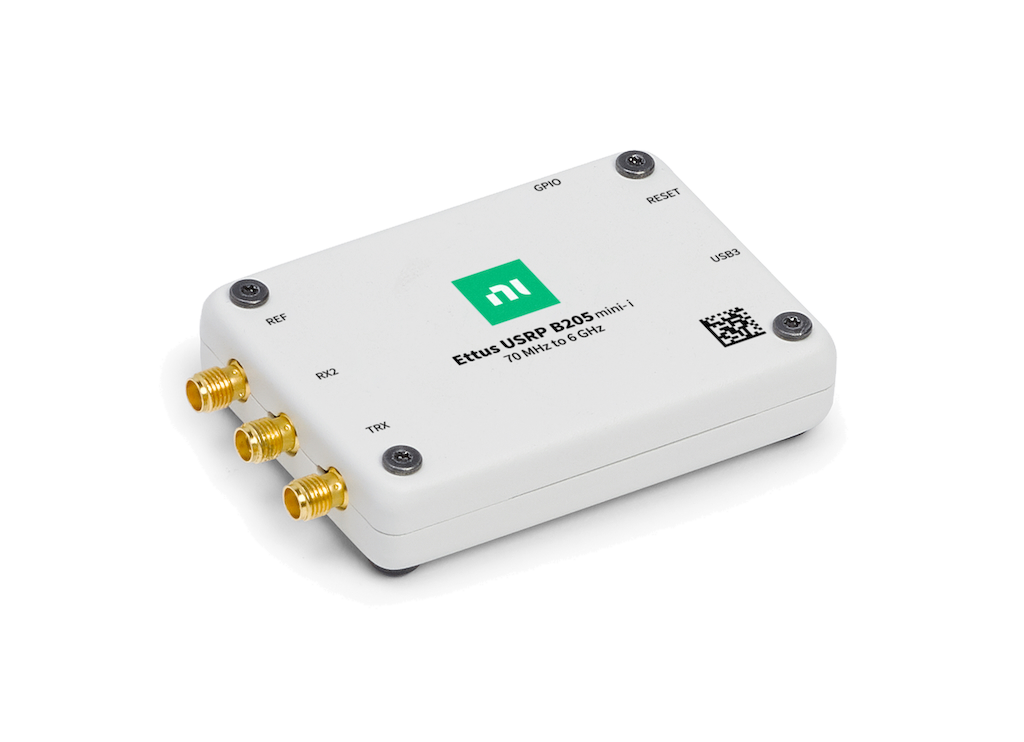
1 TX/RX full-duplex transceiver, 70 MHz – 6.0 GHz frequency range, up to 56 MSPS sampling rate, 12-bit ADC / 12-bit DAC.
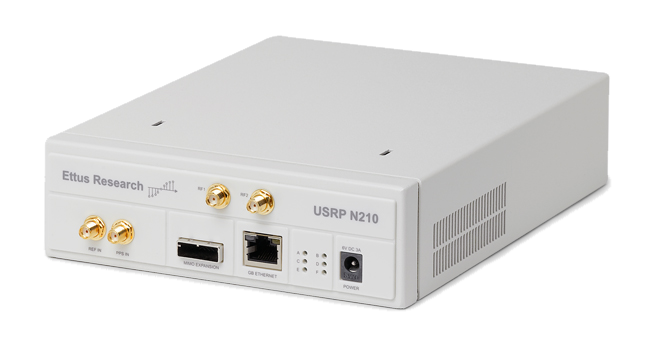
Modular transceiver (daughterboard-dependent), DC – 6.0 GHz frequency range, up to 25 MSPS sampling rate, 14-bit ADC / 16-bit DAC.
Extensible Python schema architecture allows writing custom drivers with decorator-based IDL exposure for any network- or host-attached RF front-end.
Other UHD / USRP Models
In addition to the specific models listed above, RemoteRF’s unified USRP driver supports the broad Ettus Research hardware family through standard UHD profiles, including:
- B-Series: B200, B210, B200mini, B205mini
- N-Series: N200, N210, N300, N310, N320, N321
- X-Series: X300, X310, X410
- Embedded Series: E310, E312, E320
If your lab already has UHD-compatible equipment, you can deploy it directly under the standard USRP schema. While we expect all standard UHD-supported devices to work with RemoteRF’s driver, we have not extensively verified every single model in this list. If you encounter any unexpected issues, quirks, or would like to request support for a specific setup, please submit a bug report or feature request via our feedback form.
Adding Custom SDR Hardware
RemoteRF was built from the ground up to be hardware-agnostic. Adding support for a new or proprietary SDR does not require modifying RemoteRF core code or updating client software across campus:
- Write a Python class inheriting from
DeviceSchema. - Decorate the methods and properties you wish to expose over the network with
@idl_expose(kind="get"),@idl_expose(kind="set"), or@idl_expose(kind="call"). - Add the device record to
devices.yml.
When users reserve the hardware, RemoteRF automatically generates and caches the matching Python client library on the fly. See the Custom Device Guide for an end-to-end tutorial and code samples.